
Search

Brands help multi-product companies manage support for different products from a single SparrowDesk account. Each Brand represents a product or business line with its own support setup.
Using Brands, you can separate help centers, chat widgets, and AI knowledge for each product—without creating multiple accounts.
A Brand represents a product or offering inside your SparrowDesk account.
Each Brand can have:
When an account is created, SparrowDesk automatically creates a default Brand.
 Brands are managed from the Settings area.
Steps:
This page shows all existing Brands in your account.
You can create a new Brand from the same Brands page.
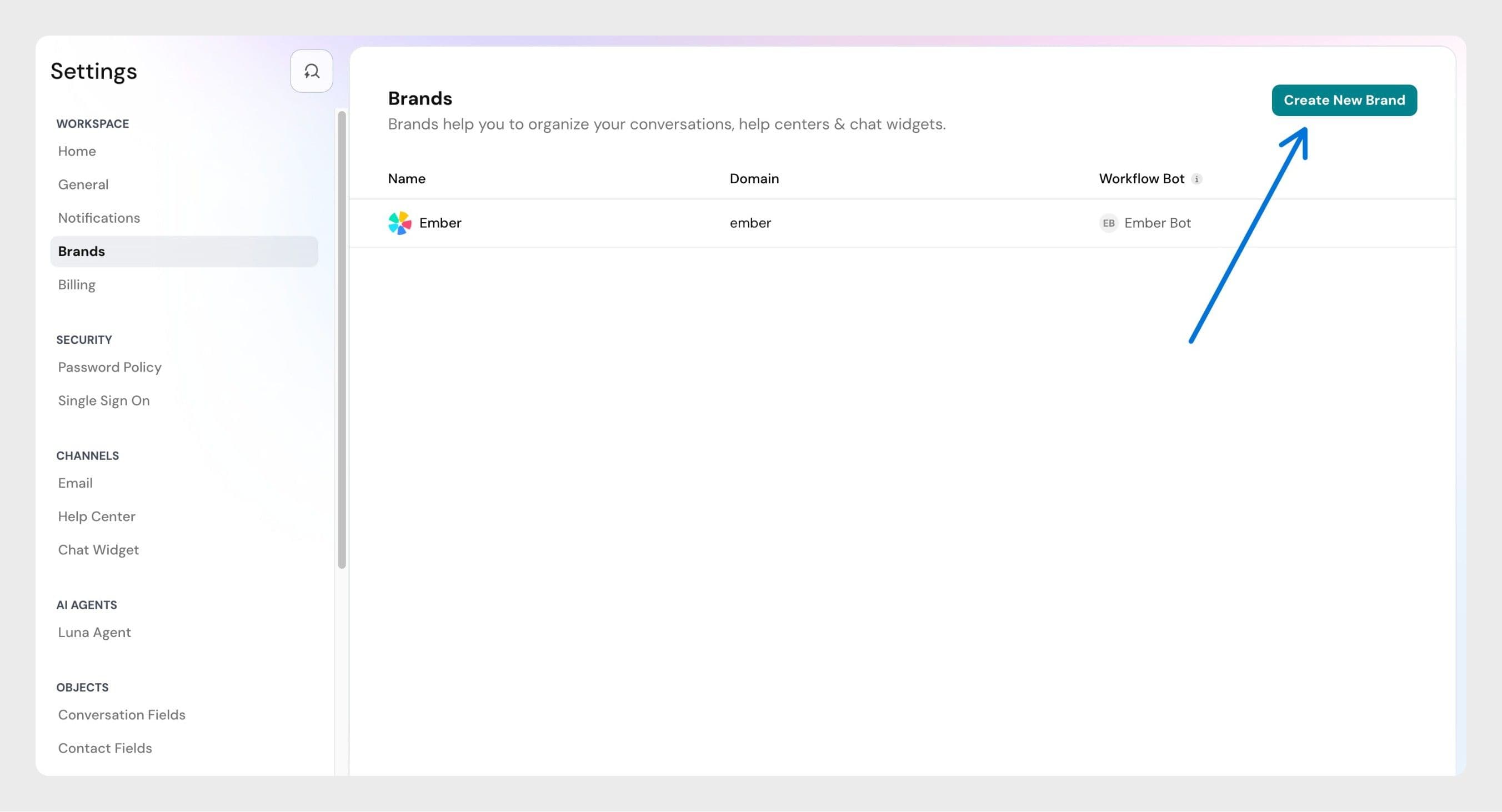
Steps:
Once created:
Yes. You can create multiple Brands in SparrowDesk.
The number of Brands you can create may vary based on your pricing plan. To see the exact limits for your plan, check our pricing page.
No. Deleting a Brand is not supported at the moment.
No. Disabling a Brand is not supported at the moment.
Powered By SparrowDesk