
Create and Manage API Keys

API keys let external tools and scripts connect to SparrowDesk's API, and you can create several keys, each limited to only the actions it needs.
Why More Than One Key
An account used to have a single API key shared across every integration. That is a security risk: if the one key leaks, everything using it is exposed at once, and you cannot retire it for one integration without breaking all the others.
Multiple keys with scoped permissions fix that. You give each integration its own key with only the permissions it needs, so a key built for one job cannot do more than that job, and you can revoke any single key without affecting the rest.
Create an API Key
- Go to Settings → API Key.
- Click a new key.
- Give the key a name that identifies where it will be used.
- Choose the permissions the key should have, so it can do only what that integration needs. Under Help Center, articles have their own View and Manage permissions, separate from collections. This lets you give a key read-only access to articles or full management of them. Keys created before this change keep the article access their collection permissions already granted, so nothing breaks.
- Generate the key.
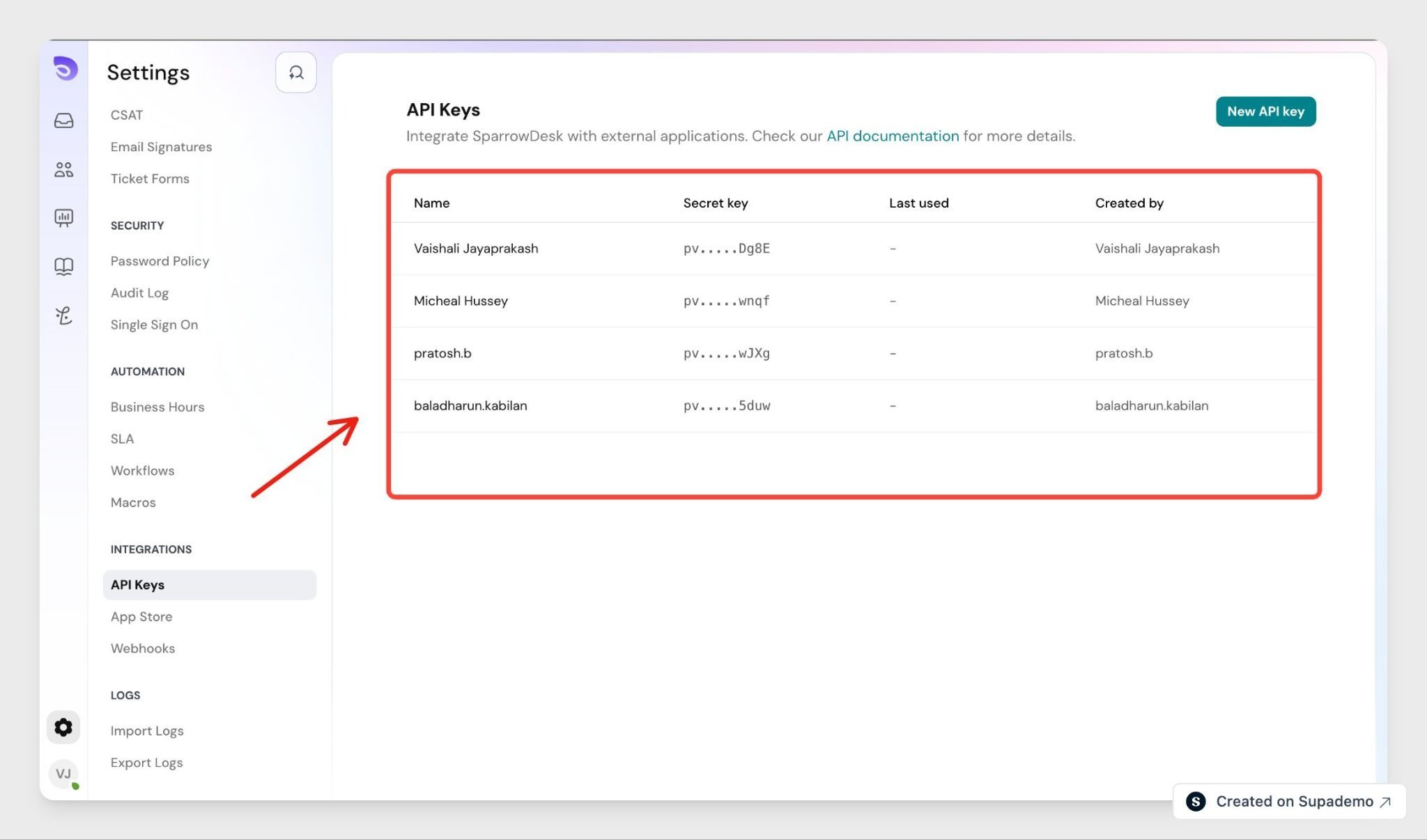
Copy and Store the Key
A key is shown only once, when you create it. You cannot view or retrieve it again afterwards, so copy it as soon as it is generated and keep it somewhere secure. If you lose it, revoke the key and create a new one.
Important: Treat an API key like a password. Anyone who has it can act on your account within that key's permissions.
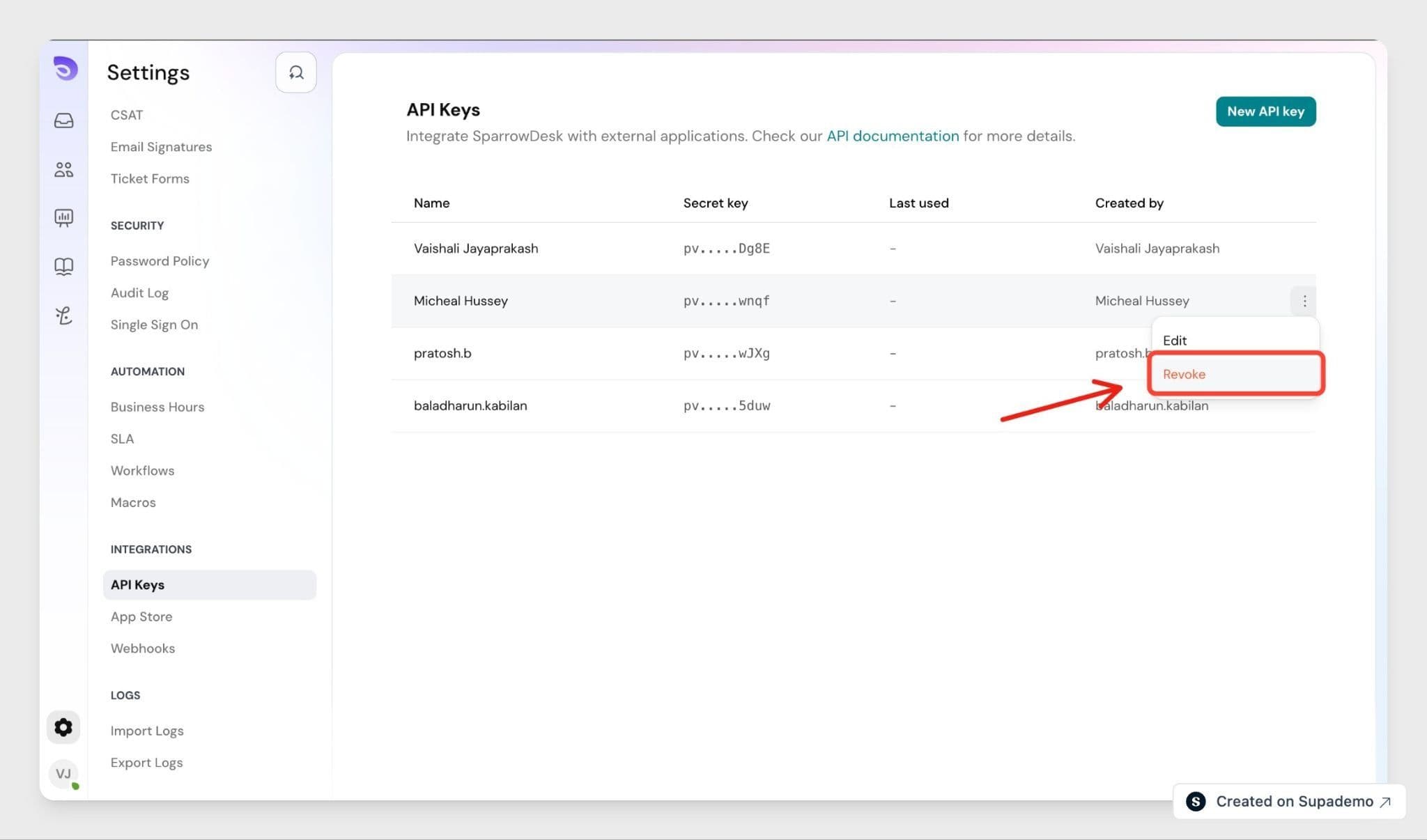
Revoke a Key
Revoke a key when its integration is retired or the key may be exposed. Because each integration has its own key, revoking one leaves the others working.
FAQ
- How many API keys can I create?
There is no limit at the moment, so you can create a separate key for each integration. - What should I do if a key is exposed?
Revoke that key and create a new one. Only the integration using it is affected; your other keys keep working. Update that integration with the new key. - Can I change a key's permissions after creating it?
Yes. You can update a key's permissions after it is created, without generating a new one. - Which plans include API keys?
API keys are included on every plan. - Where can I find the API documentation?
The full API reference is at developer.sparrowdesk.com. Your key authenticates the requests described there.