
Sync Missed Emails from a Connected Mailbox

If emails reached your mailbox but never showed up as conversations in SparrowDesk, for example while a connection was broken or before you connected the address, you can ask SparrowDesk to re-read the mailbox for a time window you choose. Emails that are already in SparrowDesk are skipped, so nothing is duplicated.
What You Need First
- Permission: the Configure email permission. Account Owners and Admins have it by default. Agents, Knowledge Managers and Lite Users don't, but you can add it to a custom role.
- A mailbox SparrowDesk can read: an email address connected through Google, Microsoft or SMTP/IMAP. Addresses that receive mail by forwarding, including your SparrowDesk address, have no mailbox to re-read.
- A working incoming connection: the address must be verified for incoming mail. If it isn't, reconnect it first.
- Plan: available on all plans.
Sync Missed Emails
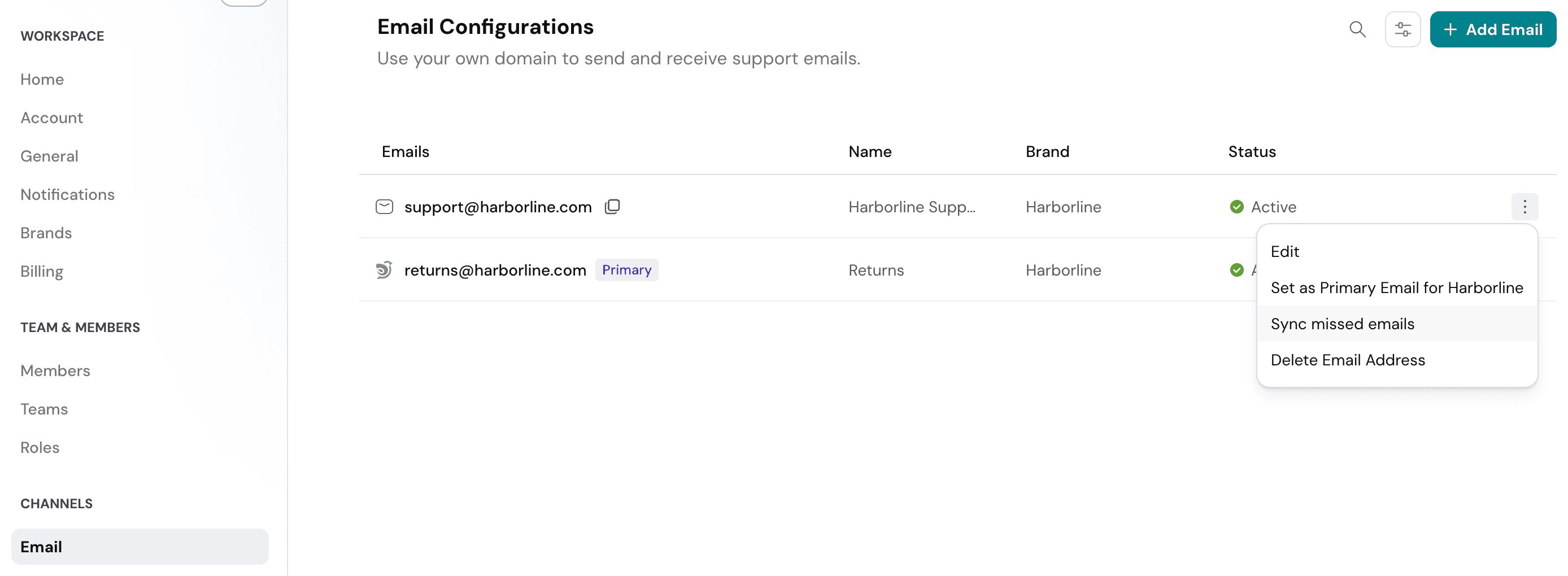
- Go to Settings → Email.
- Hover over the email address and click the ⋮ menu at the end of its row. You can also open the address and use the same menu on its detail page.
- Click Sync missed emails.
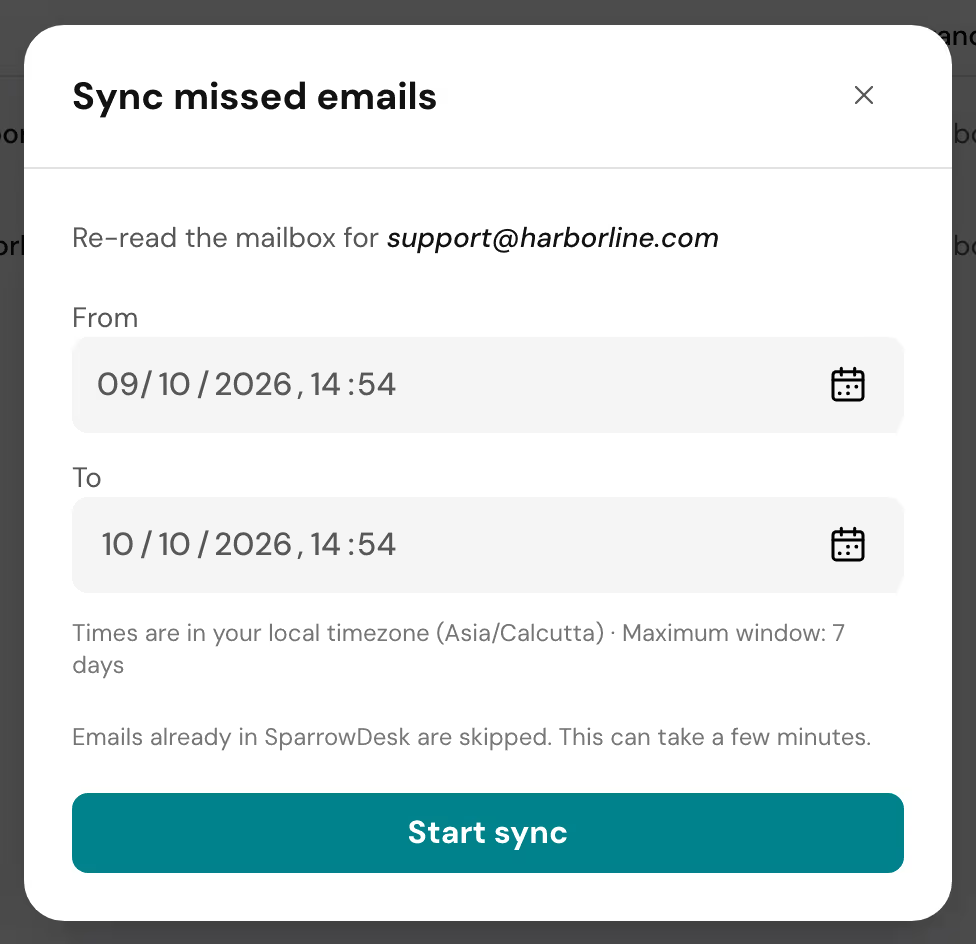
- Set From and To, both with a date and time. The window defaults to the last 24 hours and can be up to 7 days long. Times are in your local timezone, and To can't be in the future.
- Click Start sync.
SparrowDesk shows "Sync started. We'll email you when it's done." The sync runs in the background and can take a few minutes. You can leave the page.
The window can start before the date you connected the address, so a newly connected mailbox can bring in its recent history.
What Happens During a Sync
- Emails already in SparrowDesk are skipped. Running a sync over a window you've already synced creates nothing new.
- New emails become conversations, replies join their conversations. A synced reply is added to the conversation it belongs to, the same way it would have been if it had arrived on time.
- Conversations keep the original date. A conversation created by a sync is dated from when the customer sent the email, not from when it was synced.
- Nothing is sent to your customers. Synced emails don't send acknowledgement emails, don't get AI Agent replies, and don't run workflows that start when a conversation is created. New-conversation notifications to your team are not sent either.
- Up to 1,000 emails per sync. If the window holds more, the oldest emails in it are not imported. Split a busy period into shorter windows.
- One sync at a time per mailbox. While a sync is running, starting another for the same address shows "A sync is already running for this mailbox. Try again once it finishes".
When the sync ends, admins and owners on your account get an email from SparrowDesk Alerts ([email protected]): "Mailbox sync finished for [address]" with the window and the number of emails processed, or "Mailbox sync did not finish for [address]" if it failed. These go to the same people, from the same sender, as email connection alerts.
What If Sync Missed Emails Is Greyed Out?
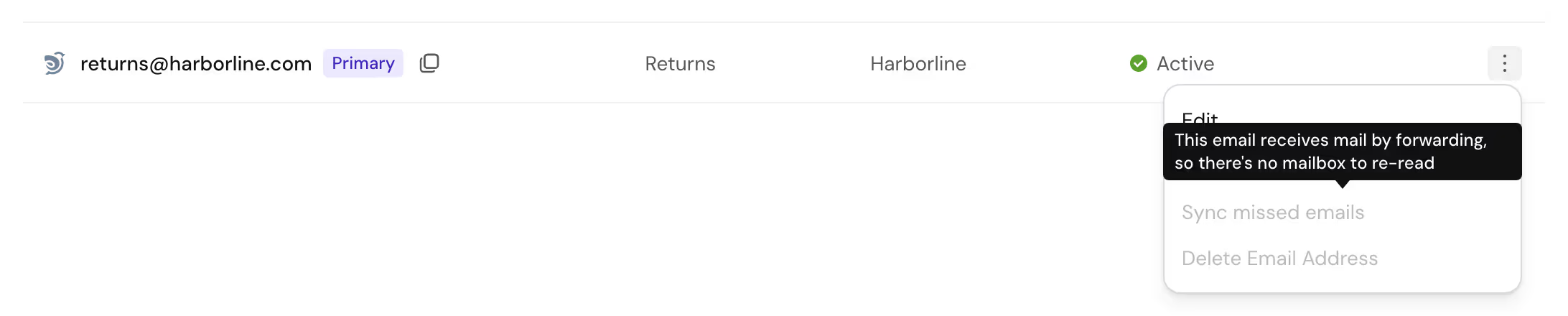
Hover over Sync missed emails to see why:
- "This email receives mail by forwarding, so there's no mailbox to re-read": SparrowDesk only receives what your provider forwards, so it has nothing to go back and read. This applies to forwarded custom addresses and to your SparrowDesk address.
- "Reconnect this email first": the incoming connection isn't verified. Reconnect the address from Settings → Email, then try again.
FAQ
- How far back can I sync?
Each sync covers up to 7 days, and the window can start before you connected the address. To cover a longer period, run several syncs one after another, each up to 7 days. Each sync imports up to 1,000 emails. - Will syncing create duplicate conversations?
No. Emails already in SparrowDesk are skipped, so you can safely sync a window that overlaps one you've already synced. - Will my customers get emails or AI Agent replies for old messages?
No. Synced emails don't send acknowledgements, don't get AI Agent replies and don't run conversation-created workflows. - Can I see progress or cancel a sync?
Not in the app. Admins and owners get an email when the sync finishes or fails. Only one sync can run per mailbox at a time. - Why can't I sync a forwarded address?
Forwarded addresses, including your SparrowDesk address, have no mailbox for SparrowDesk to read. Only addresses connected through Google, Microsoft or SMTP/IMAP can be synced, and their incoming connection must be verified. - Who can run a sync?
Account Owners and Admins, plus anyone whose custom role includes the Configure email permission. The default Agent, Knowledge Manager and Lite User roles can't.